

The Secretary role in any school parent group, whether it’s a Parent Teacher Organization (PTO) or Parent Teacher Association (PTA) or another name, is a key position with some essential duties to keep the group on track.
Getting and staying organized as a PTO Secretary will help any volunteer have a better term and enjoy their volunteer job more fully.
But not everyone is born with supreme organizing skills!
The truth is that most people aren’t born with those skills, but that shouldn’t stop you.
Getting better at organizing things is something you can learn and get better at!
And this skill will serve you well now and going forward, whether it’s with your PTO or another organization.
These are transferrable life skills.
Who knew that’s what’s in store for you? Well you because you clicked on the title of this post and knew it was what you needed today.
Yay for that and also let’s celebrate because I’m the perfect person to talk about this!
Because when I’m not volunteering in my children’s schools as a PTO leader, I work as a Professional Organizer!
That’s right, I help people clear the clutter form their lives and implement systems to instill the calm and peace their craving.
Like the ones you see on TV.
Only with less makeup and less glamorous clothing.
And as a recovering attorney, developing systems and paper organization are my jam!
So let’s get to it!
Read the Rules
The very first thing you should be doing as a new school parent group Secretary is to read your group’s bylaws and standing rules.
If you’re unfamiliar, the bylaws and standing rules for your group will give you the lay of the land.
The documents should describe your responsibilities and what you need to be doing as the PTO’s Secretary.
The specifics of your volunteer role should be laid out.
As you know, for Secretaries, the main focus of the role is taking minutes, communicating with others on behalf of the PTO, and be the information keeper really for the group.
Once you’ve read those governing documents, make sure to keep a copy on hand for easy reference and access going forward.
Put a copy in your officer binder and bring the binder with you to PTO meetings.
It’s best to have a copy on hand during meetings so they can be used to help answer questions that may come up so issues can be resolved on the spot.
Set Up Your Officer Binder
The next step in secretarial organization is to get your officer binder set up.
Take the time to go ahead and get it organized early in your term.
Reason that I like a physical officer binder is I find that always found that having a physical binder is the key to my little organized heart.
Read this post if you need specific guidance on how to organize and set up an efficient officer binder.
If you’re more of a digital organizer, then you can set up a similar system electronically.
Getting everything organized like this will ensure that you can find everything and that you have what you need at your fingertips.
One of the things that most frustrated me, especially early on before I learned to do this on the regular, was I was always trying to hunt down different information.
I was always trying to find so-and-so’s email or their address or their phone number.
Then I started consolidating all the information.
Instead of having random sheets of paper around my house, I started putting it all in this binder so that I would have it in one place.
Set Up an Minutes Archive
As the PTO Secretary, especially if you’re the Recording Secretary versus the Corresponding Secretary, you are the keeper of all of the past meeting minutes.
One of your job duties is to keep all of the meeting minutes.
This doesn’t mean they need to be in a hard copy form.
For established PTOs, chances are there’s a great deal of past meeting minutes in hard copy form.
And this can mean that some Secretary officer binders can be 3″ thick or more, which is quite the load to be carrying around!
And when the binder gets that large, it becomes rather unworkable.
The solution here is to set up a meeting minute archive so that you are actually physically lightening your load.
It’s not necessary to carry around years’ worth of past meeting minutes.
While it’s important to keep the past meeting minutes, you don’t need to bring past year’s minutes to meetings.
Another option is to digitize all of the hard copies, but that could be a time intensive process, one certainly greater and putting old minutes into another binder!
Start by removing the meeting minutes for all but the current year from your officer binder.
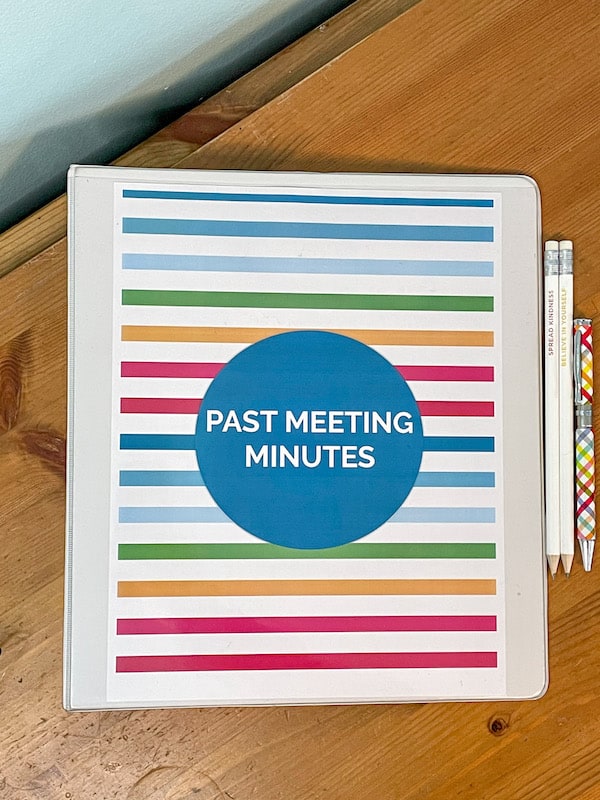
Add them to another binder, slide in a binder cover that says “Past Meeting Minutes” and boom, you’re done!
Get to Know the Other Volunteers and Leaders
Next thing you’re going to do is familiarize yourself with the other leaders in your group, especially if you’ don’t know everyone.
Get to know the other group leaders, and familiarize yourself with the spelling of their names.
This will help avoid embarrassing spelling errors in the meeting minutes and will save you some work too.
Choose How You’ll Take Minutes
Next, you’re going to decide how you’re going to take minutes at the meetings.
Will you be bringing in a laptop to meetings?
Or are you going to be doing it by hand?
Then you’re going to learn how to take minutes.
Now understand this: the meeting minutes that you’re taking, is not a word for word transcription.
You are not a court stenographer.
You’re just trying to record the gist of everything.
You’re going to be noting who makes a motion, who seconds the motion, if the motion passed, if it failed, like those kind of big picture things.
You’ll be looking to make a running list of topics that were discussed during the meeting, along with a short summary of the discussions in the minutes.
The ideas is that if someone wasn’t at the meeting, they would have a picture of what happened at that meeting by reading the meeting’s minutes.
Decide the Record Retention Method
So the next thing you’re going to decide, is you’re going to decide how you’re going to retain record and meeting minutes going forward.
With the past meeting records secured in the archive binder, it’s time to figure out what to do with the upcoming minutes.
Are you going to be printing things out?
I would caution against this because the risk of only having a hard copy is the potential to be lost, damaged, or destroyed.
Even if paper is kept in a relatively dry house, it’s still going to collect moisture and smell really gross after a while.
This is why I would recommend maintaining a digital copy of the meeting minutes.
Establish where you’re going to be hanging on to those meeting minutes.
Are you going to be uploading them into your group’s Google Drive or Dropbox?
Does your PTO already have that system set up?
If not, encourage them to do it and here’s a guide on how to organize PTO records.
Once that system is set up, be sure to use it!
Add the meeting minutes into a folder labeled “Meeting Minutes” and month after month, you’ll be creating the record repository.
All the minutes will be in one centralized place for others that need to reference them.
Resources You’ll Love

Get Organized Instantly: The Ultimate Secretary Success Kit for PTO Secretaries!
Don’t waste another minute juggling paperwork.
This complete bundle provides the exact resources you need to build a powerful officer binder, simplifying meeting preparation, execution, and post-meeting tasks.
Designed for both Recording and Corresponding Secretaries, this kit is your key to efficient record-keeping and streamlined communication.
Take control of your PTO role now!
Watch this!

Over to you!
So I hope this video has been so helpful for you to kind of get all of your ducks in a row as a PTO or PTA secretary.
Getting organized in this role is pretty straightforward.
Just be sure to organize your binder, establish a procedure for taking and storing meeting minutes and you’l be good!


